Creative Capacity Lab
A collaborative website designed to guide companies through prototyping and evaluating early-stage ideas.
Scroll ↓
Overview
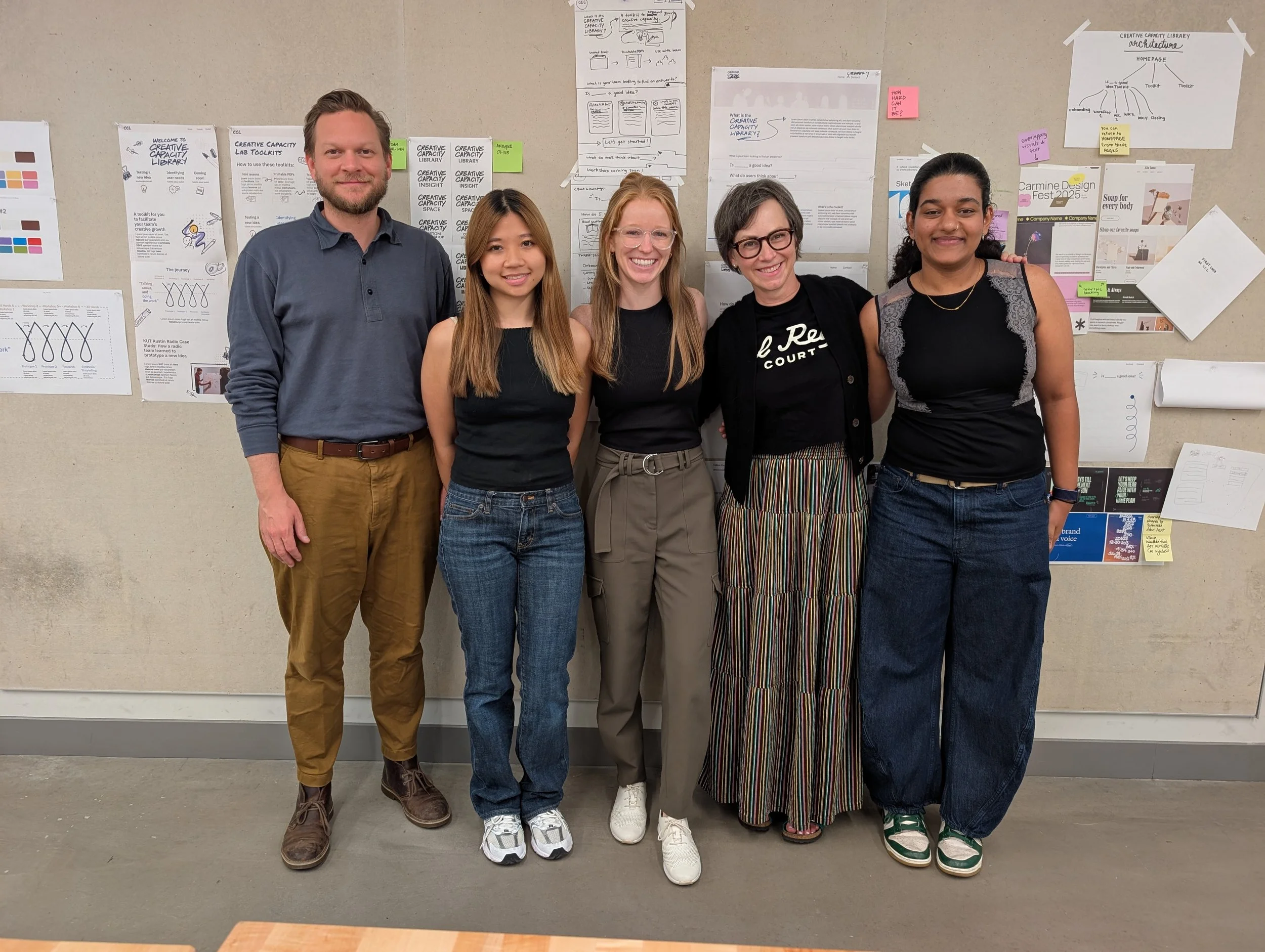
Creative Capacity Lab is a web-based experience designed to help company leaders learn and practice prototyping to evaluate new ideas. During a two-week sprint, our team of three students worked under the guidance of two professors to transform an informal, in-person workshop into a structured, accessible website. My role focused on translating workshop content into a clear curriculum, contributing to UX/graphic decisions, and creating low-fidelity wireframes. The goal was to deliver a usable website that allows leaders to facilitate workshops independently, even after our involvement ends.
Content Writer
Role
Timeline
Two week sprint; July 2025
Tools
Figma, Google Docs, ChatGPT, Squarespace
Context
The University of Texas at Austin’s Creative Capacity Lab develops accessible toolkits to help organizations prototype and evaluate new ideas. This project aimed to translate an in-person workshop into a web-based guide that teaches companies how to practice prototyping independently.
Setting the Scene
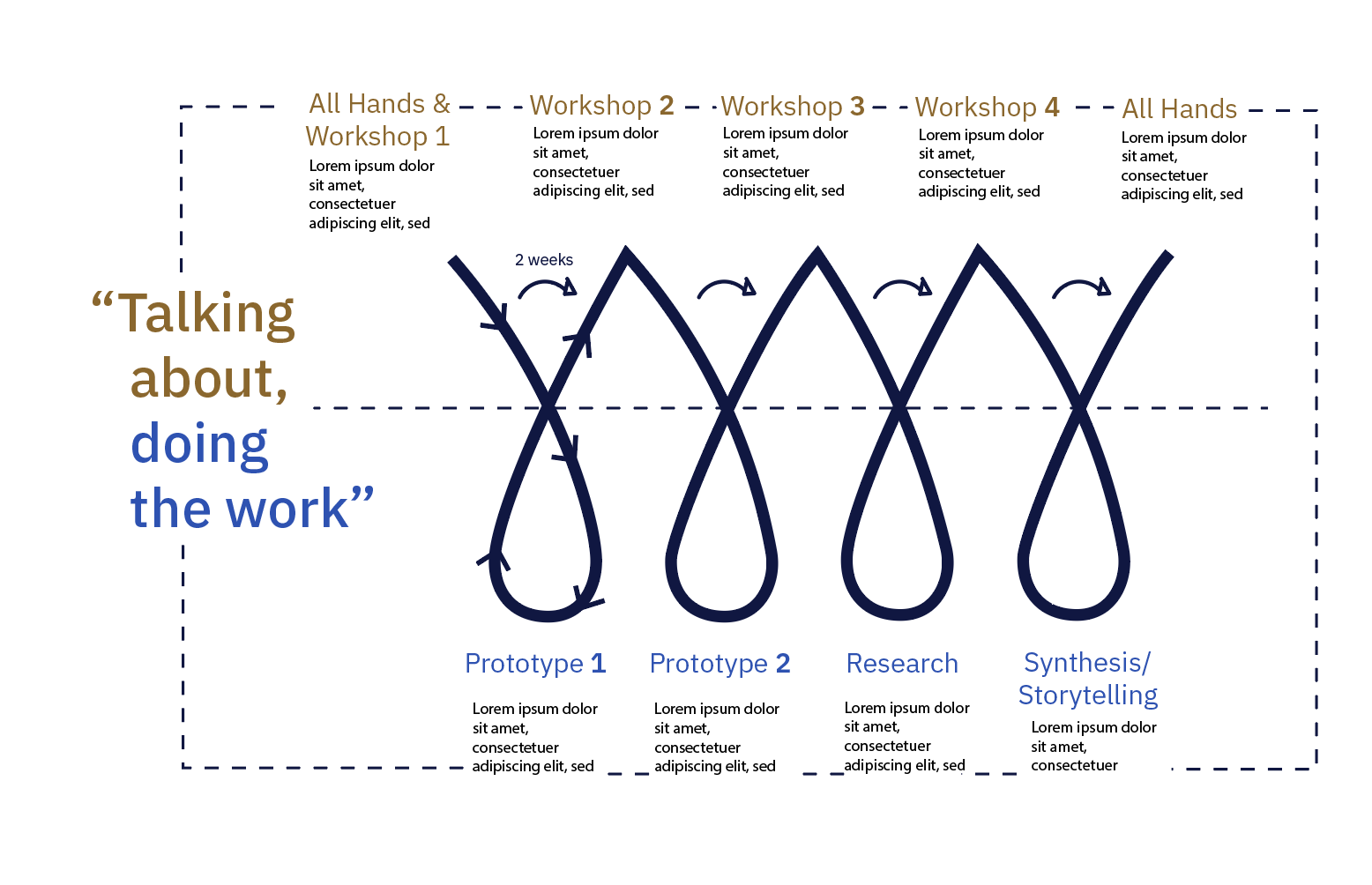
Imagine a company leader trying to answer the question: “Is _____ a good idea?” Without testing through trial and error, a process in the UX world called prototyping, they won’t know. The existing workshop designed by the professors existed only in informal notes and timestamps, making it difficult for anyone outside the team to follow.
Challenges & Approach
Company leaders wanted a way to test whether new ideas were viable, but the existing workshop from the professors existed only in informal notes, making it inaccessible to anyone outside the team. Our two-week sprint required a team of three students (UX designer, content writer, and graphic designer), guided by the professors, to transform this informal material into a functional, web-based learning experience.
We needed to:
Restructure the workshop into a clear, usable curriculum
Design an intuitive website experience that teaches prototyping
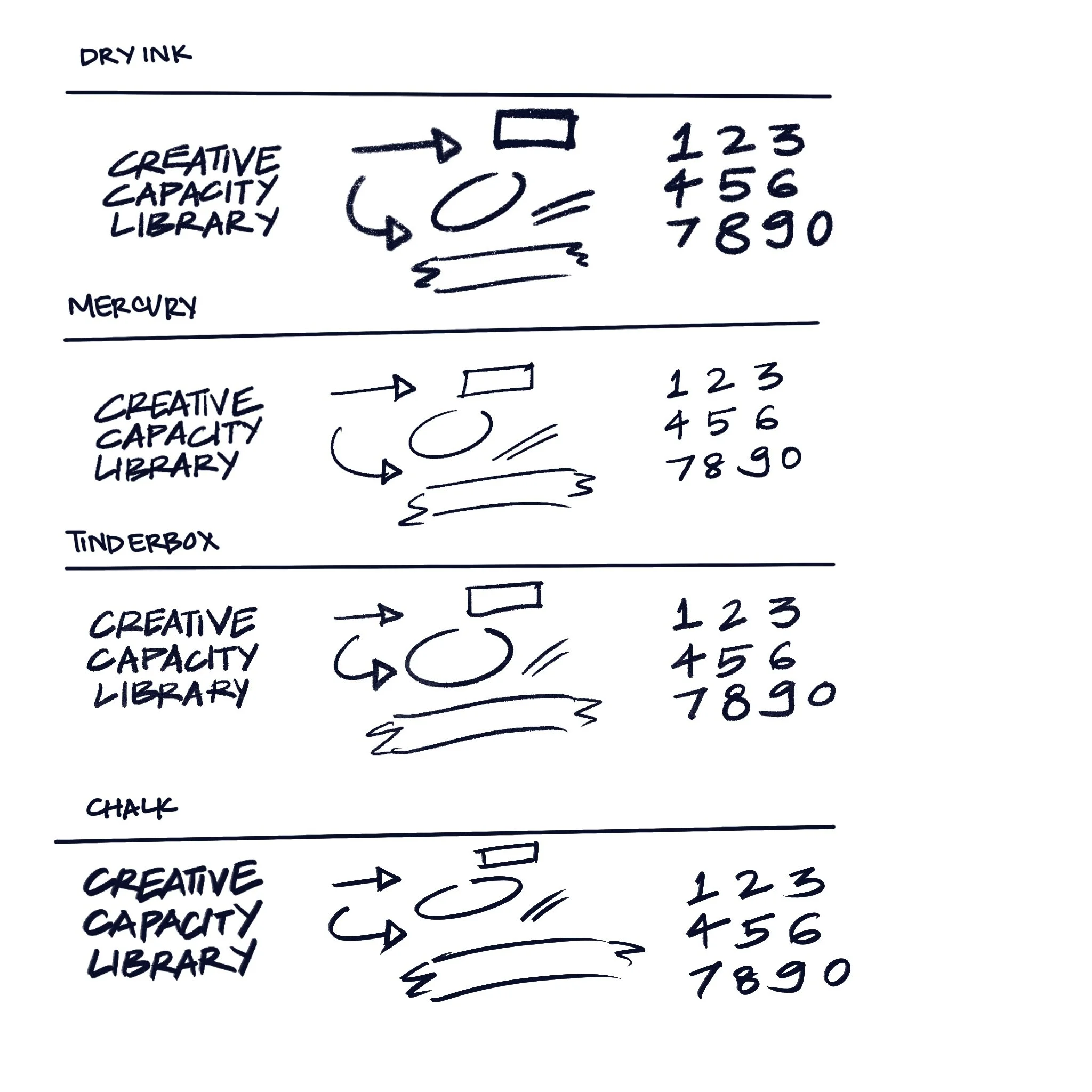
Establish a design system to ensure consistency
Build a functional, maintainable website using Squarespace
Time and platform limitations shaped our approach. The professors needed a site they could manage independently, ruling out tools like Figma or Framer, and the short two-week timeline required rapid decision-making and prioritization.
Process
To tackle these challenges, we:
Reviewed and restructured content: Analyzed notes, timestamps, and activity records from the original workshop to translate them into a coherent curriculum
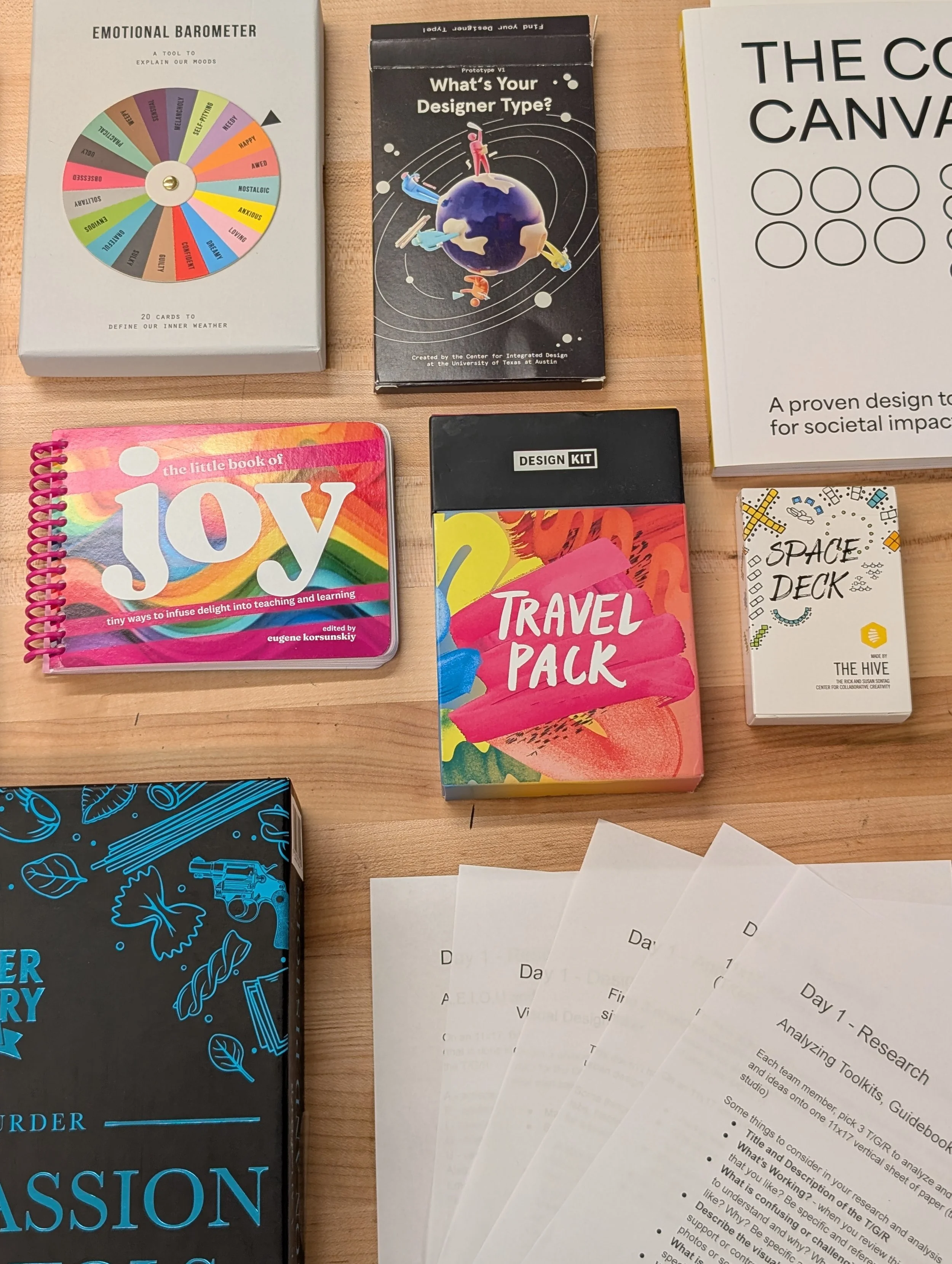
Conducted research: Examined museum pamphlets, leadership tools, and gamified learning experiences to understand how to teach prototyping effectively online
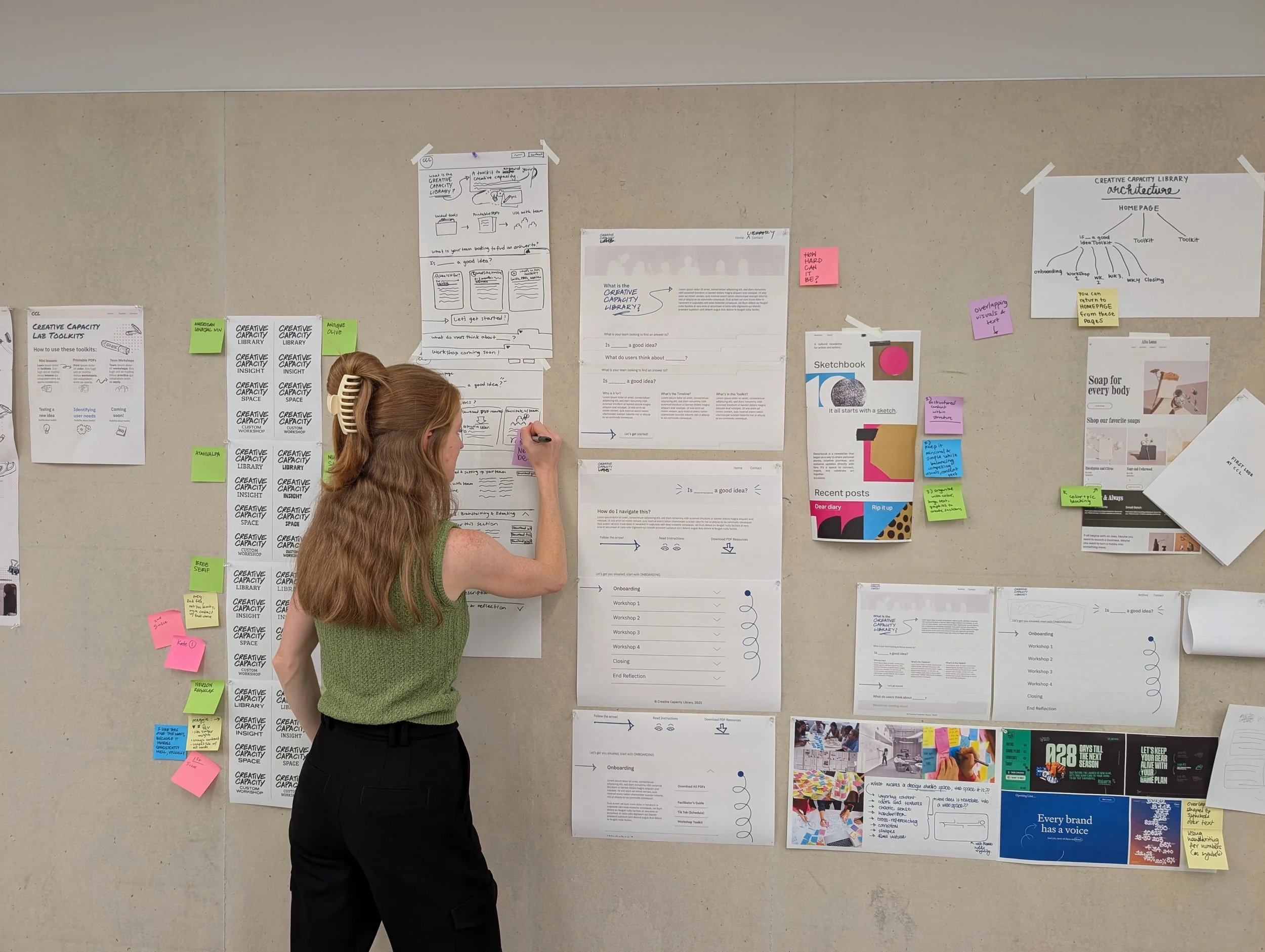
Wireframed & iterated rapidly: Created low-fidelity sketches and held morning and evening team check-ins to make quick, informed design decisions
Managed platform constraints: Used Squarespace to deliver a site that was both functional and maintainable by the professors
Impact
At the end of the sprint, we delivered a mid-fidelity Squarespace site that allows company leaders to run prototyping workshops independently. The biggest challenge was restructuring the informal workshop content into a clear curriculum while simultaneously designing the website. By doing so, we created a scalable foundation that the professors can expand in the future, empowering more organizations to test ideas effectively.
My Learnings
1. Cross-functional teamwork: Clear rhythms of communication were critical in a fast-paced sprint
2. Flexibility of roles: While my main role was content design, I contributed low-fidelity wireframes to enhance the UX
3. Rapid decision-making: Tight timelines reinforced the importance of prioritization and confident, research-informed choices